

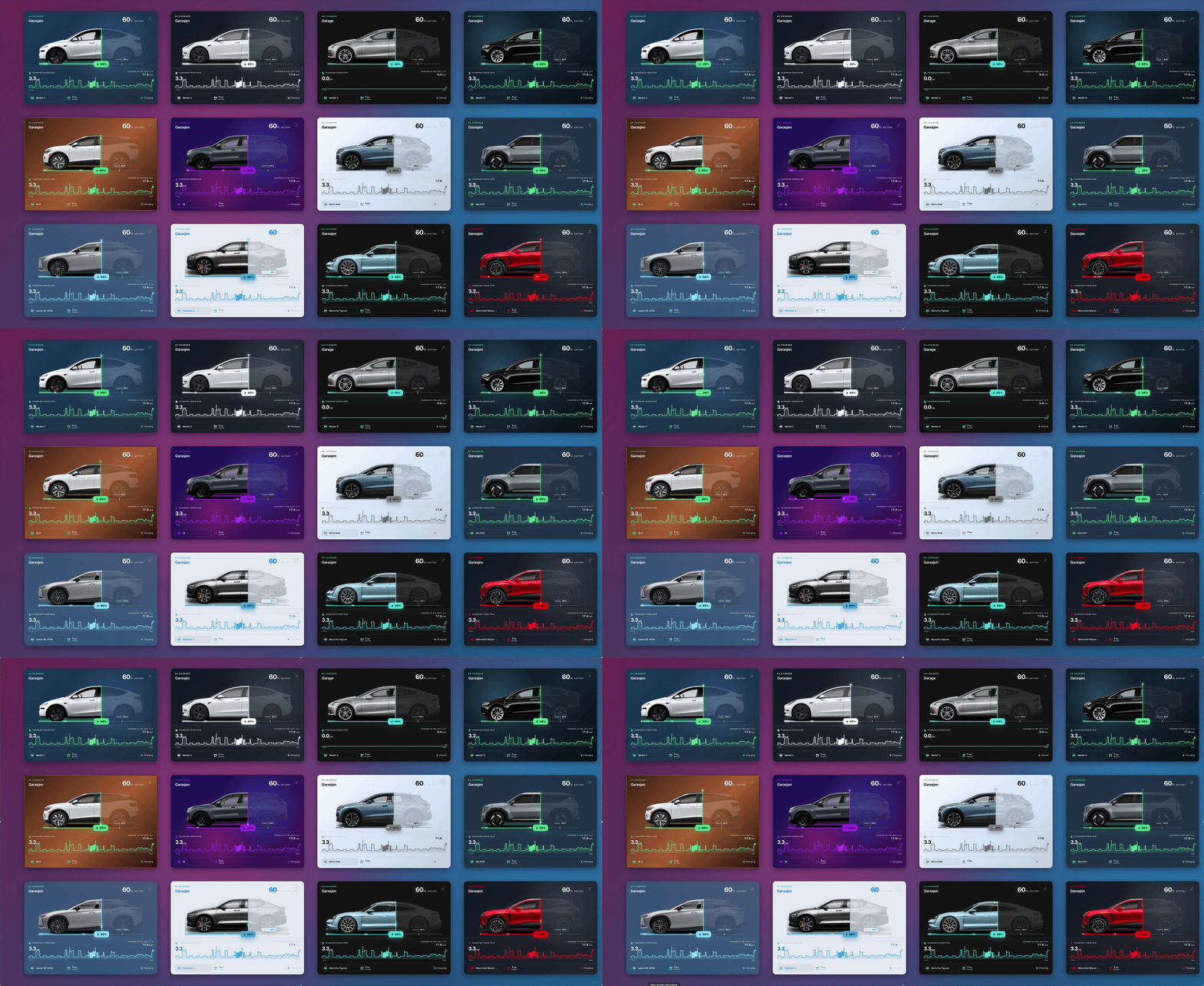
A dynamic EV charging card for Drag & Drop Card. It visualizes the vehicle’s battery level directly across a side-profile image, with animated charging indicators, charge target, estimated range, current charging power, and optional charging history. Includes a built-in visual editor, multiple EV models, light/dark themes, responsive sizing, and multilingual support.
What’s included
Requirements
- Home Assistant 2025.8 or newer
- Drag & Drop Card installed and loaded
- A battery sensor reporting the vehicle’s charge level in
% - Optional charging-status entity
- Optional range sensor using
km,mi, orm - Optional power sensor using
W,kW, orMW - Home Assistant history data is required for the charging-history graph
- Internet access is required to load the included external vehicle images
The Drag & Drop Card Backend is recommended for reliable persistence and synchronization across browsers and devices.
This upload only uses native Drag & Drop Card helper cards.
NativeInstallation notes
Install Drag & Drop Card before adding this design. Import the card through HADS or use Drag & Drop Card’s Import function with the supplied JSON file.
After installation, open the card’s settings and select:
- Battery-level entity
- Charging-status entity
- Range entity
- Charging-power entity
- Vehicle model and preferred charge target
The charging-history graph can be enabled or disabled and displays the last 12 hours by default. No YAML configuration is required.
Version notes
LatestInitial version
Version history